
Digital Photography
ADOBE PHOTOSHOP
Unlock your creative potential with our Digital Photography Online Course,
Designed to help you master the art of photography using Adobe Photoshop. Whether you’re a beginner or looking to refine your skills, this course offers comprehensive lessons to guide you through every step.
Whether you’re a beginner or looking to refine your skills, this course offers comprehensive lessons to guide you through every step.
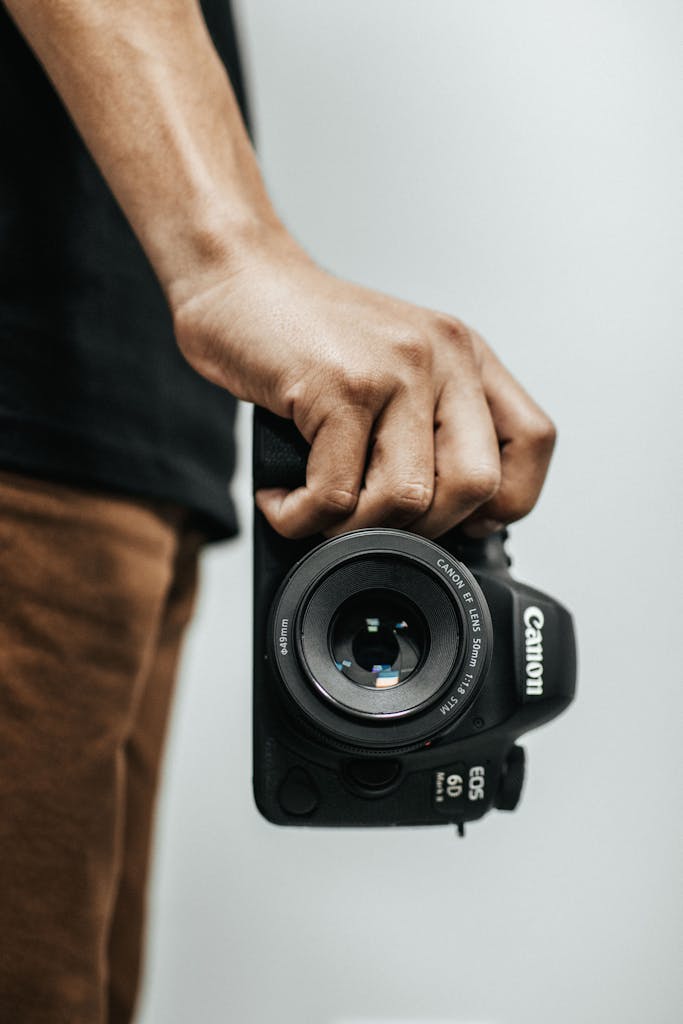
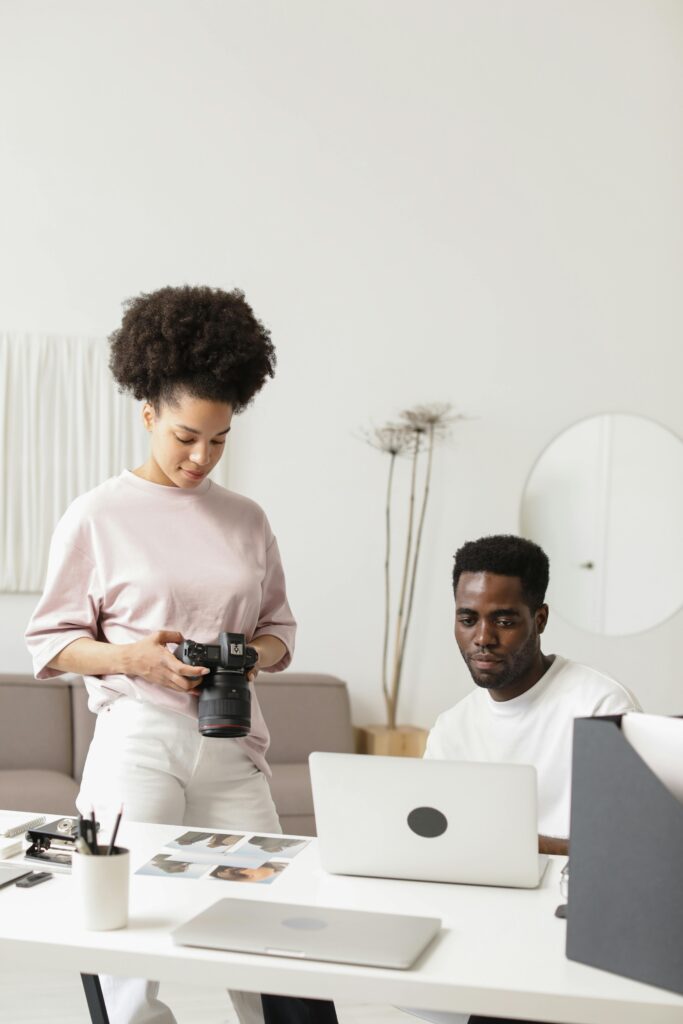
TRANSFORM YOUR KNOWLEDGE FROM ZERO TO HERO
Learn the fundamentals of digital photography, from capturing stunning images with your camera to enhancing them with Photoshop’s powerful tools. Dive into techniques such as color correction, image manipulation, retouching, and creating professional-quality compositions. With hands-on tutorials and expert guidance, you’ll gain the confidence to transform ordinary photos into breathtaking works of art.
This course is flexible and accessible, allowing you to learn at your own pace from the comfort of your home. By the end, you’ll have a strong understanding of Photoshop’s features and be able to apply them creatively to elevate your photography.
Start your journey toward becoming a skilled photographer and digital artist today!
OUR MOST IMPORTANT TOPICS:
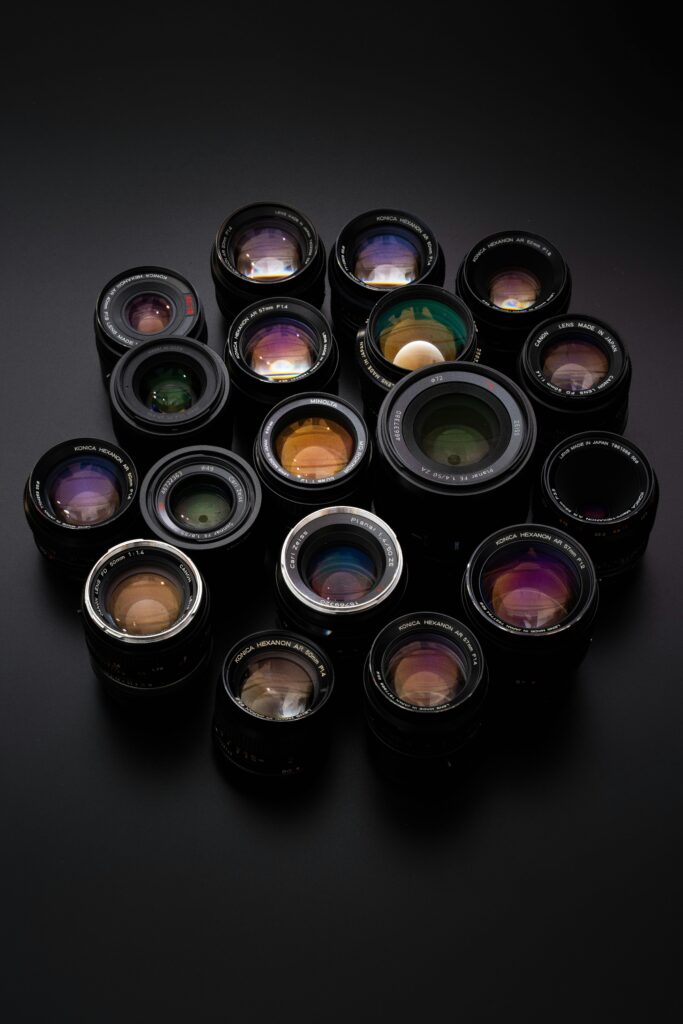
UNIT ONE – BASICS
- How to make a money as a photographer
- Position or The main tools and how it works
- Adjustments
- Zooming and panning
- Basic Dodging and Burning
- Crop photo
- How to resize a photo
- How to shrink a photo without losing its quality
- Customizing workspace
- Saving projects and exporting them using Artboard, and saving photos title
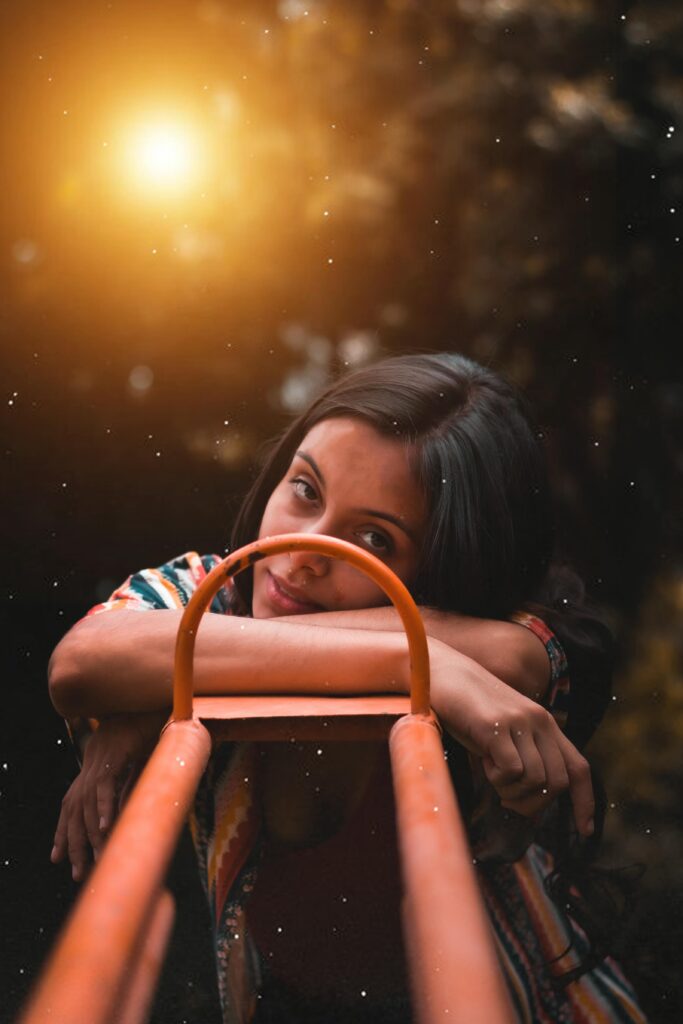
UNIT TWO – EDITING TRICKS
- Lighting
- Lighting Concepts
- Editing Tricks
- Colorizing black & white photo
- Using Depth Blur
- How to remove an object from a photo
- How to cut out a person and change the background
- How to change the color of an object using Hue
- blend mode:
- What is it?
- How to use it?
- How to create a spotlight with blend mode
- Creating a Light Flare & Haze
- Adding Glowing Lines to Photos
- Adding Light to An Area in the Photo
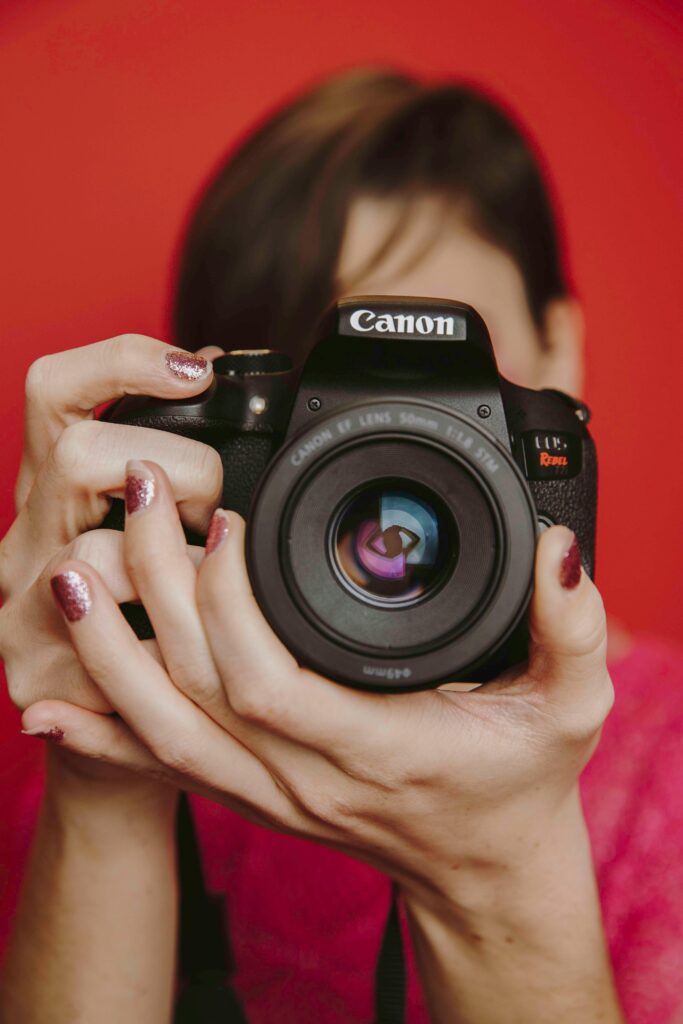
UNIT THREE – LAYERS
- Licensing photos
- Stock photographers
- What are layers
- Layers types
- Select layers
- Move layers
- Layer opacity
- How to filter layers
- how to lock layers
- How to use adjustment layers
- Text layers: Create text, Font types, Wrap text,
- how to add a drop shadow to the text
- How to add or Export new fonts to Photoshop

UNIT FOUR – BEAUTIFY
- How to choose harmonized colors
- The importance of choosing harmonized colors
- Reshape faces
- Skin smoothing
- Clean up Face imperfections
- Remove red Eyes
- Changing eyes, lips colors
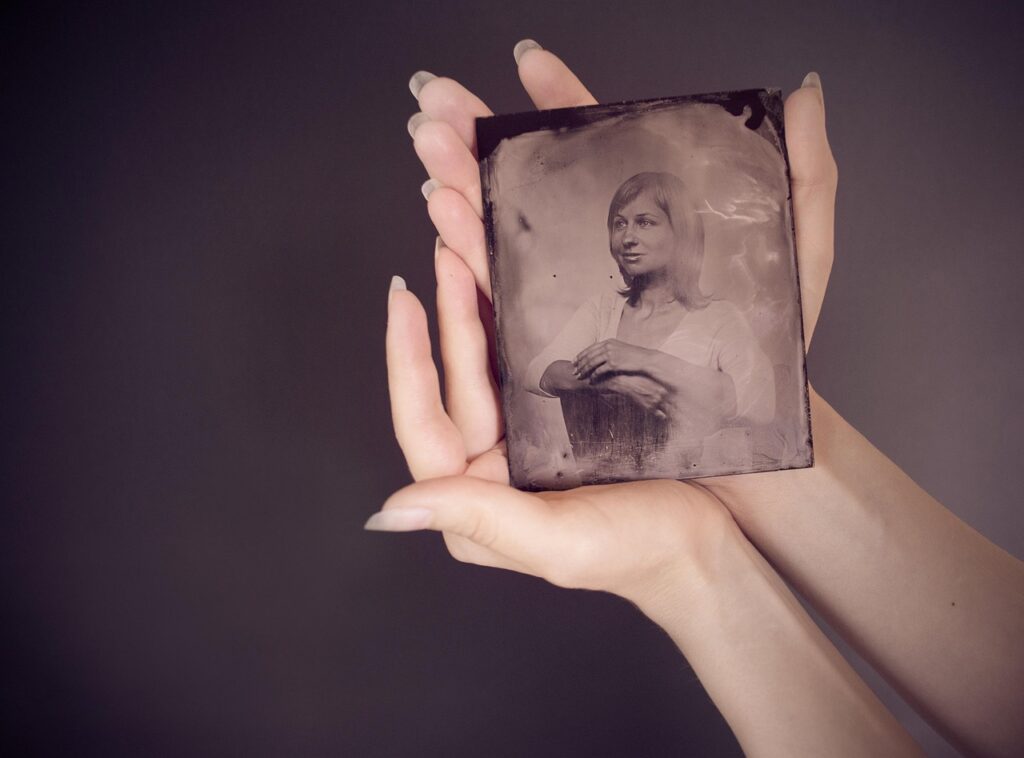
UNIT FIVE – ENHANCING PHOTOS
- Working as a photo editor
- How to restore an old photo
- How to fix and repair photos Using Levels
- How to straighten a photo
- How to enhance colors using Vibrance
- improve images with Camera Raw
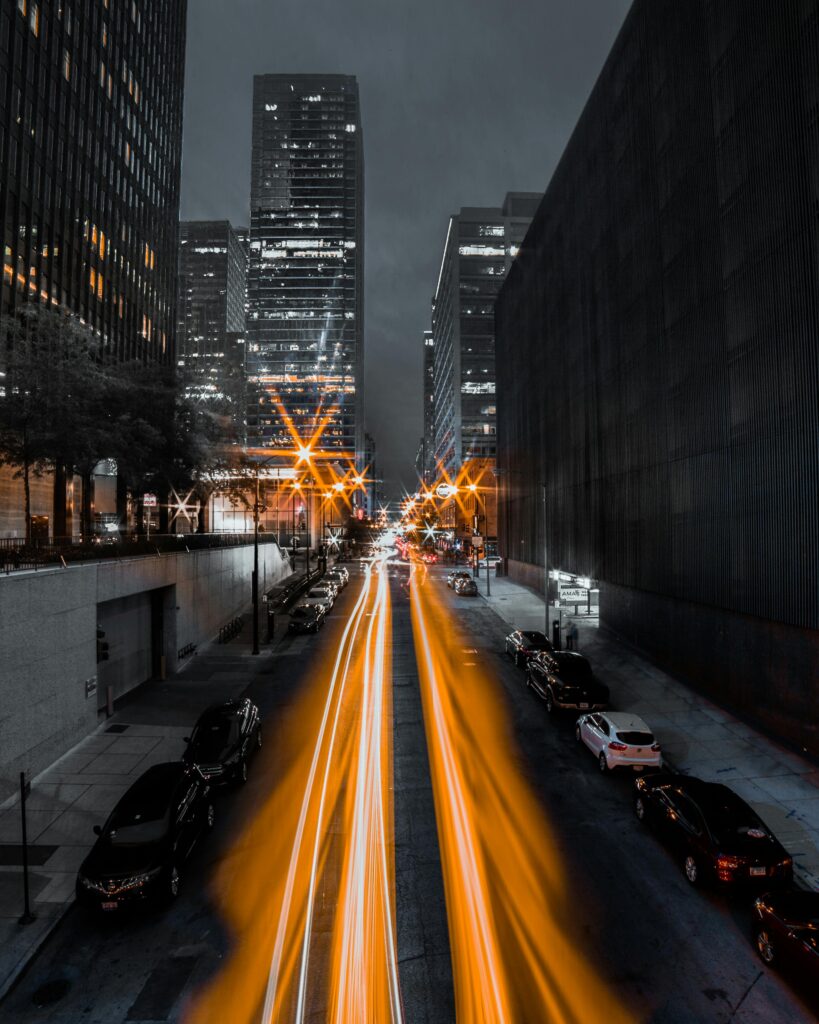
UNIT SIX – FILTERS
- How to add & use filters
- How to make a photo look like a canvas painting
- How to create the Halftone effect
- How to use liquify filter
- How to create motion blur
- What are smart objects and how to use them
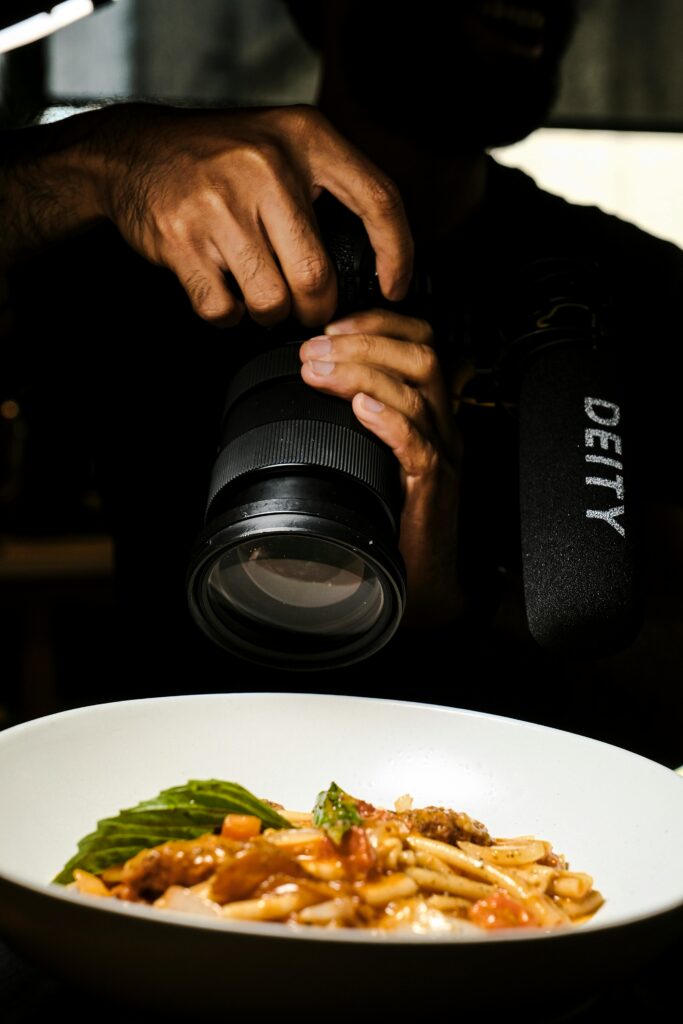
UNIT SEVEN – PRACTICES
- How to edit a wedding photo
- How to edit a food photo
- How to edit a landscape photo
- How to edit a portrait photo
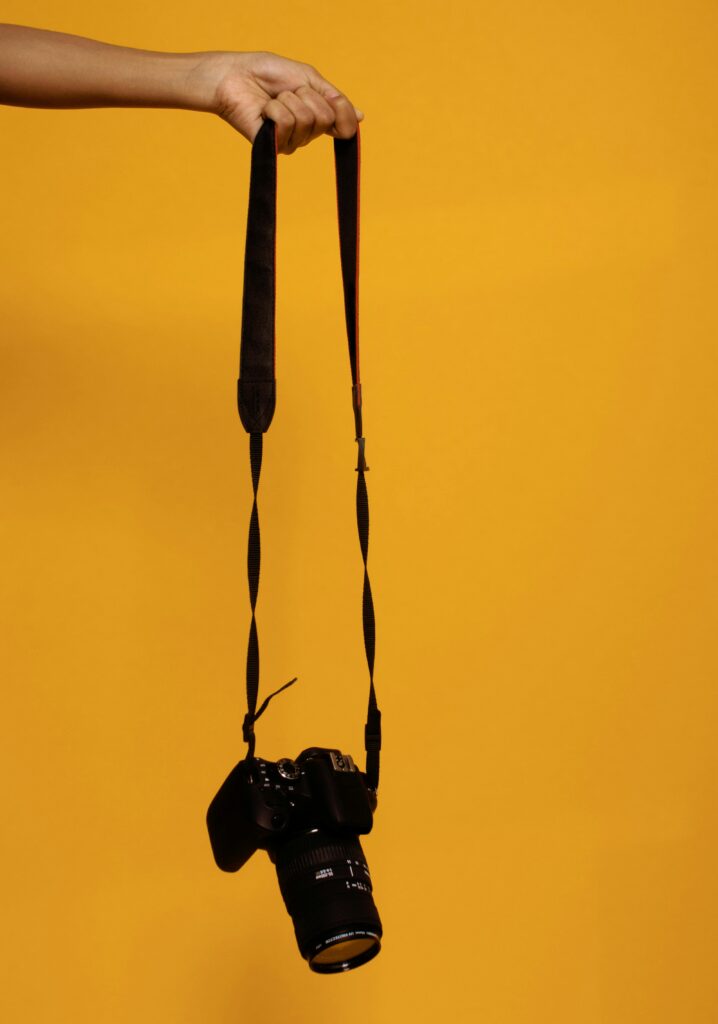
UNIT EIGHT – GENERAL INFORMATION ABOUT CAMERAS
- Cameras types and the best cameras brands
- The most important camera equipment
- The basics of the camera settings
- What is:
- Aperture
- Shutter speed
- ISO
- Lights & Filters
- Light meter
- EV indicator
- Lens: optical distortion, Lens Diffraction, Perspective Diffraction
- Lens Flare, Lens stabilization
- The best camera settings for :
- outdoor (Daylight , night )
- indoor
READY!!
to take your photography to the next level? Join our Digital Photography Online Course today and unlock your full creative potential with Adobe Photoshop!

start your journey today and watch your photography skills soar!
Whether you’re looking to sharpen your technical skills or bring your artistic vision to life, this course offers hands-on, expert-led lessons that will guide you step by step. From mastering your camera settings to transforming your photos into professional-quality works of art, you’ll gain the knowledge and confidence to create stunning images. Don’t wait –